Use Mobile Money to add funds or pay for services on imbra.
Steps
During checkout or when adding funds, select Mobile Money as your payment method.

Enter your mobile number registered with the mobile money service.

Click Pay to initiate the transaction.

You will receive a prompt on your phone. Enter your Mobile Money PIN to confirm the payment.
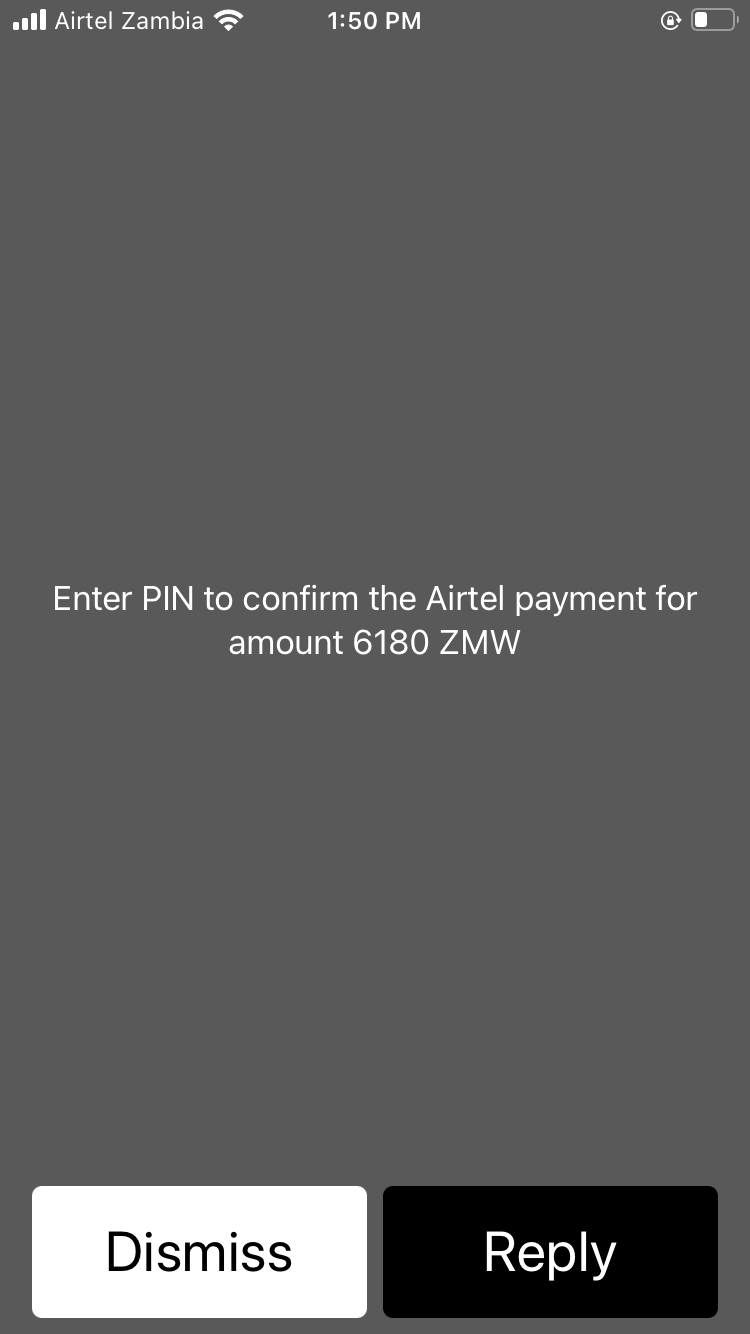
Once confirmed, the payment will be processed and your account updated.
Tip: Ensure your mobile money account has sufficient balance before initiating the payment. The transaction usually completes within seconds.