Subdomains let you create separate sections of your website under your main domain (e.g., blog.example.com). This guide shows you how to create a subdomain in iPanel.
Steps
Navigate to your website management page by clicking Websites in sidebar then click Manage on website you want to manage.
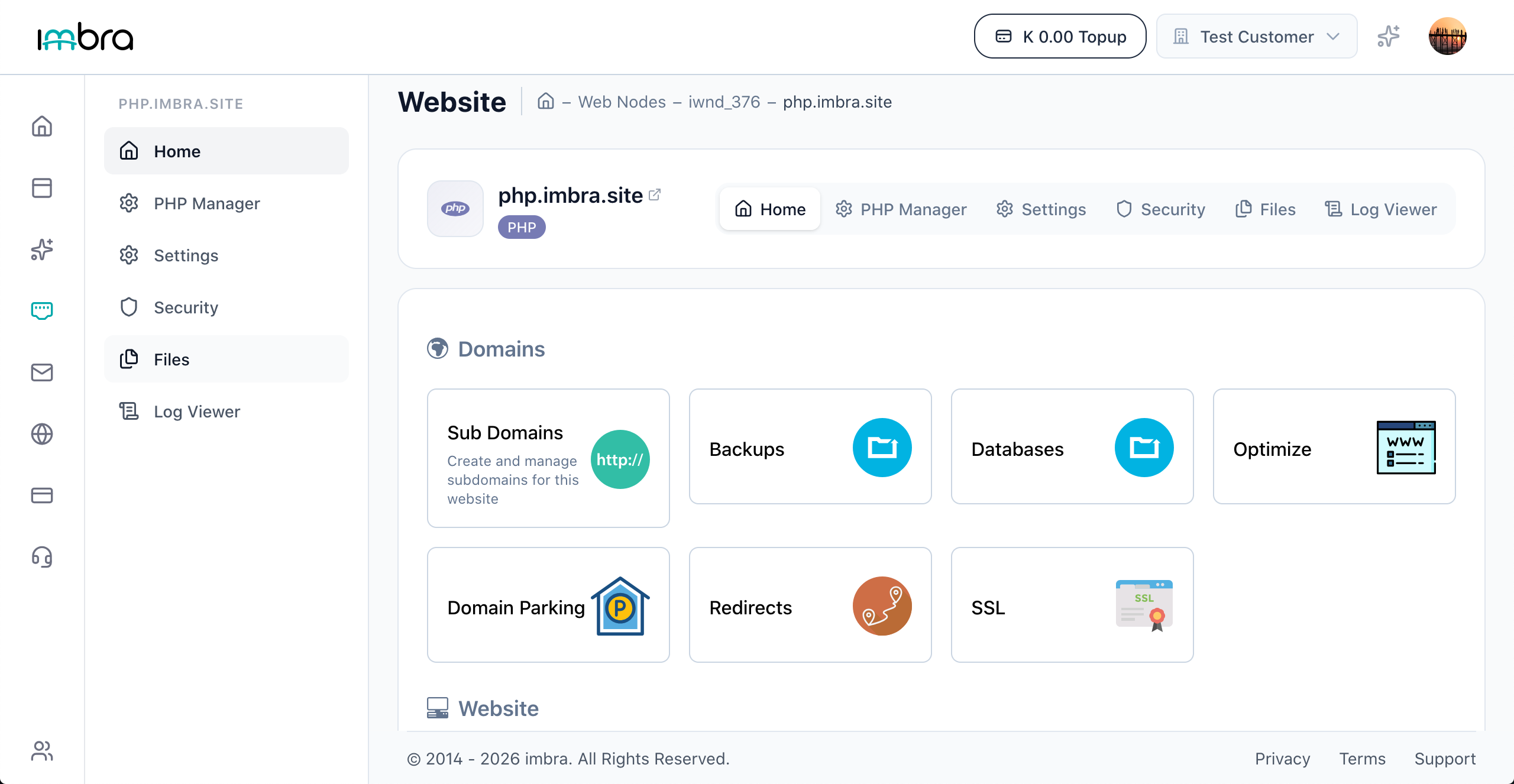
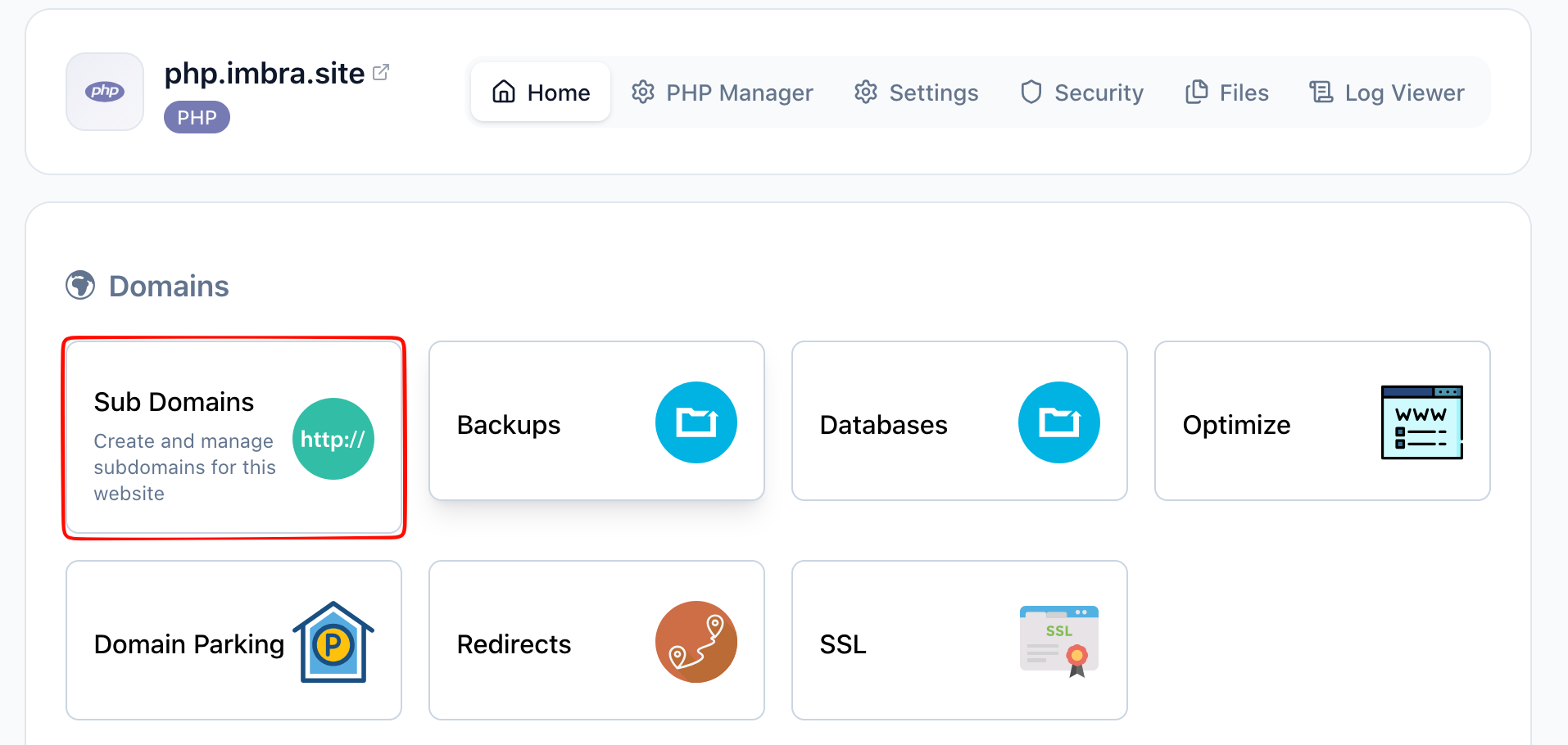
On the Home tab, find and click the Sub Domains card in the Domains section.
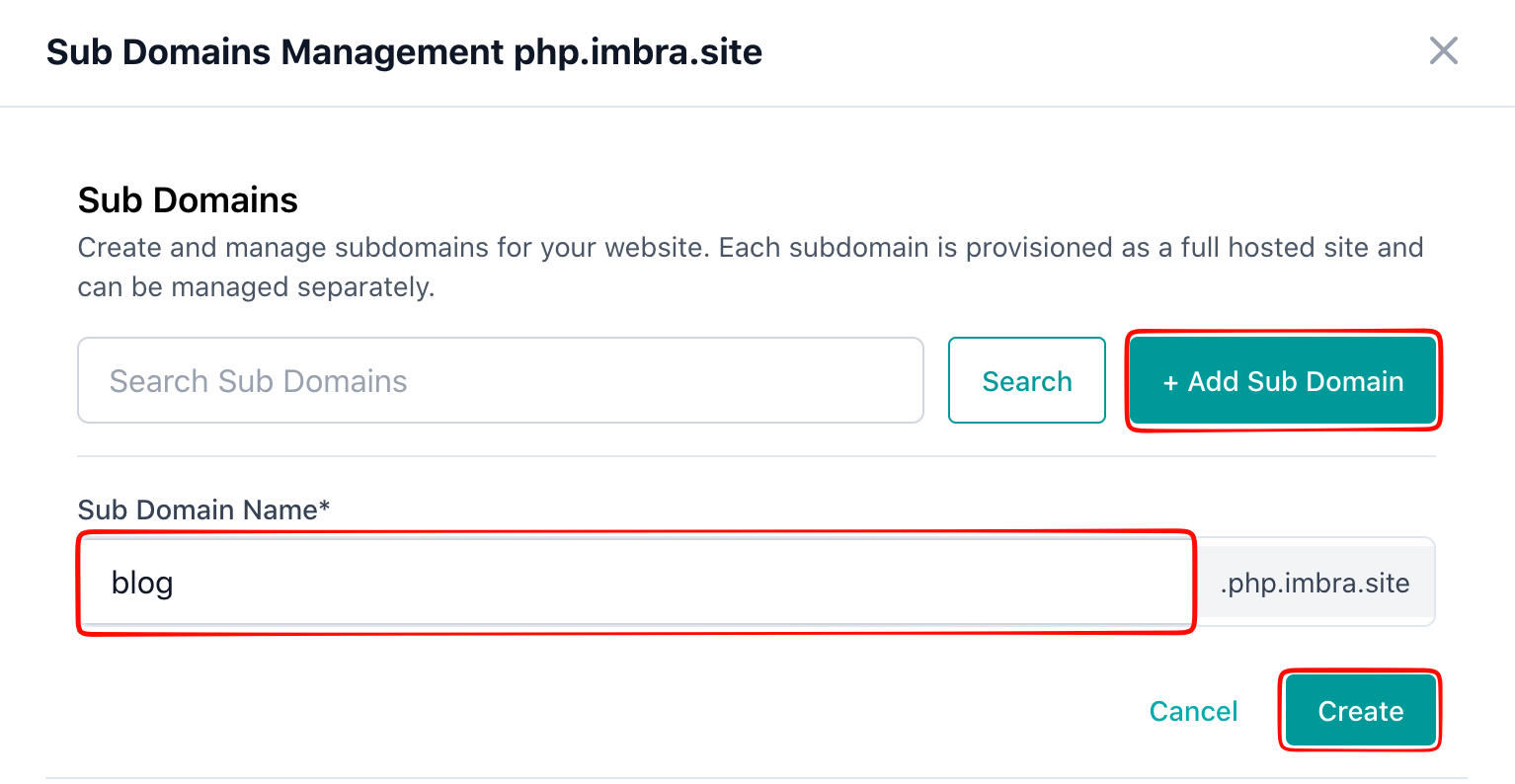
In the Sub Domains drawer, click the Add Subdomain button. Enter the subdomain name in the name field (e.g., blog, shop, or app). The full subdomain will be shown as a preview (e.g., blog.example.com). Click Save or Create to create the subdomain.
Tip: Keep subdomain names short and descriptive. Each subdomain can have its own document root, allowing you to host completely separate content.