Remove a DNS record that is no longer needed. Be careful when deleting records as it can affect your domain's services.
Steps
Login to iPanel. From the sidebar, click Domains > Domain portfolio and then click on Manage.

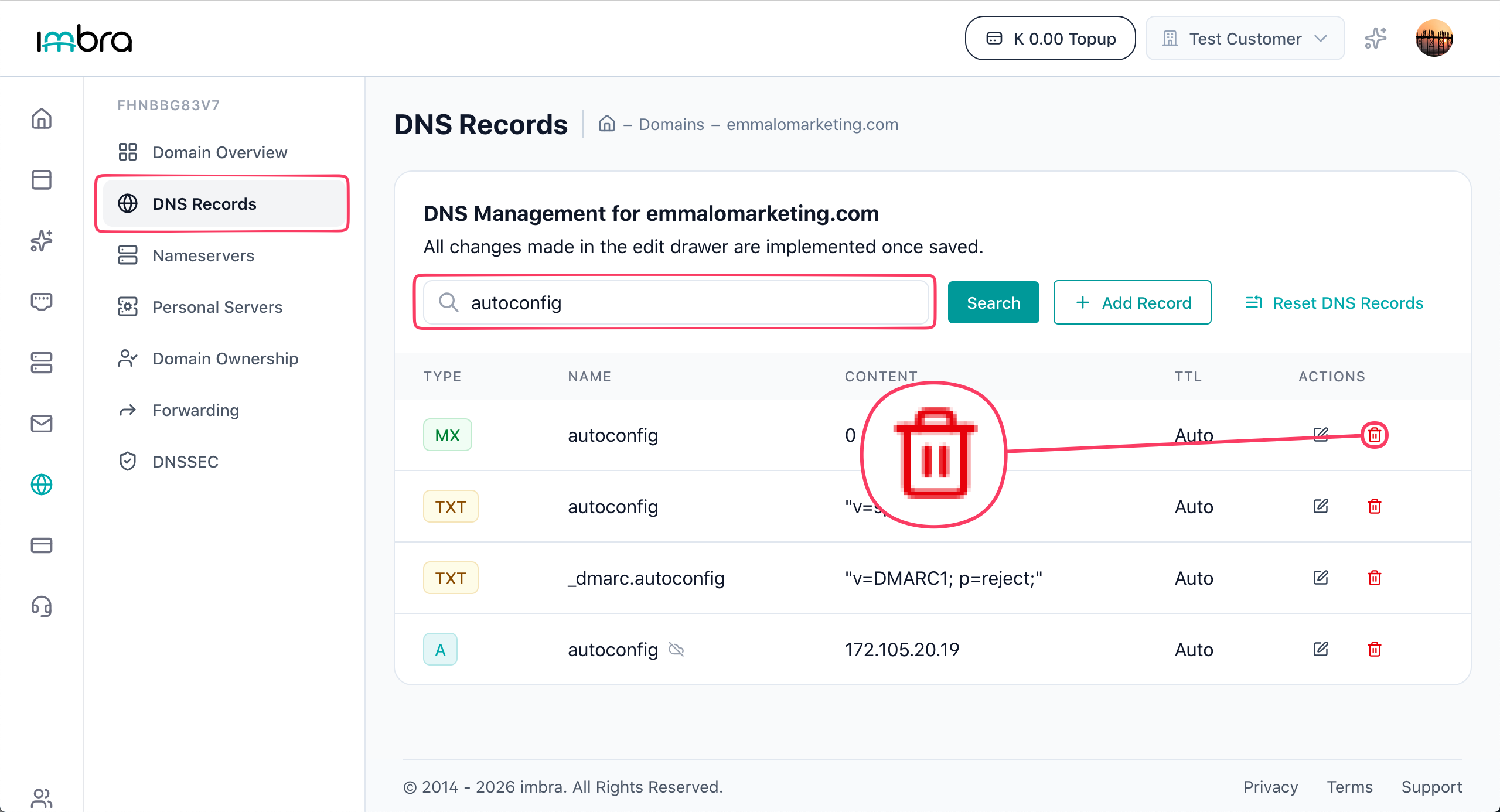
In the second side bar click on DNS Records.

Under the DNS Records page and find the record you want to delete. Click the Delete button next to the record.
Tip: Before deleting a DNS record, make sure no active service depends on it. Removing an MX record, for example, will stop your domain from receiving email.