DNS records control how your domain resolves on the internet. This guide shows you how to view all DNS records configured for a domain in iPanel.
Steps
Login to iPanel. From the sidebar, click Domains > Domain portfolio and then click on Manage.

In the second side bar click on DNS Records.

On the DNS Records page. You will see a table listing all records with their Name, Type, Text, and TTL columns.
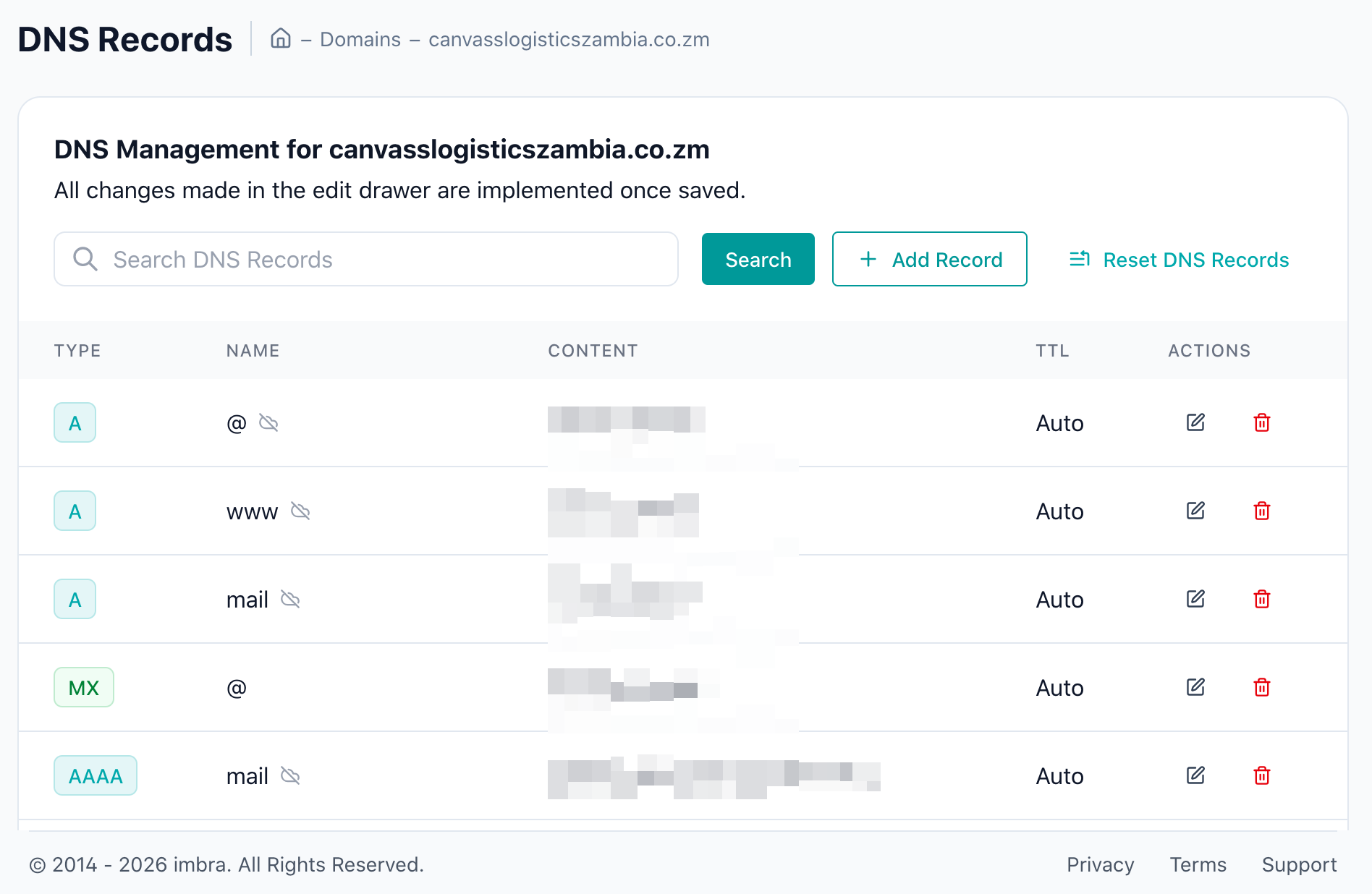
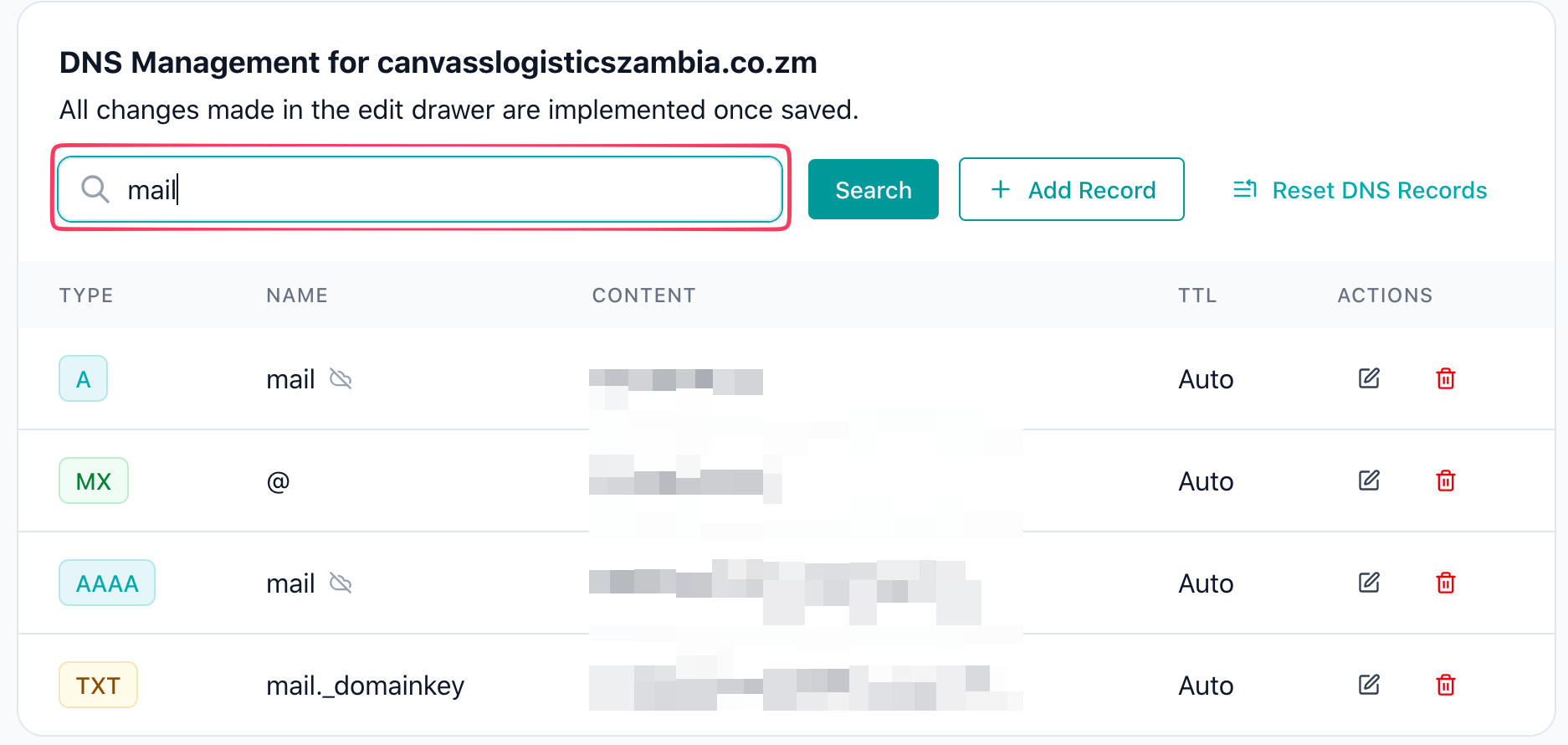
Use the filter or search options above the table to narrow down records by type or name if you have many entries.
Tip: DNS records may take up to 24-48 hours to propagate globally after any changes, though most updates take effect within a few minutes.