The iPanel dashboard gives you an overview of your hosting services, account balance, and quick access to all features. This guide explains the layout and navigation.
Steps
After logging in, you land on the Home page. At the top you will see a greeting with your name, your Account Balance, and an Add Funds button.

Below the header is the Quick Stats bar showing counts for your websites, domains, databases, email accounts, and other services.

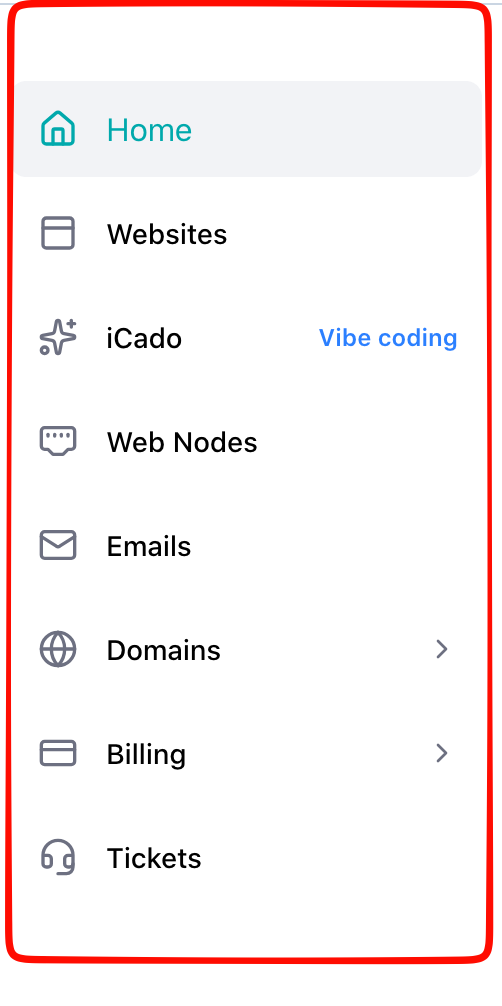
Use the left sidebar to navigate between sections: Home, Web Nodes, Domains, Email, Billing, Settings, and Support.
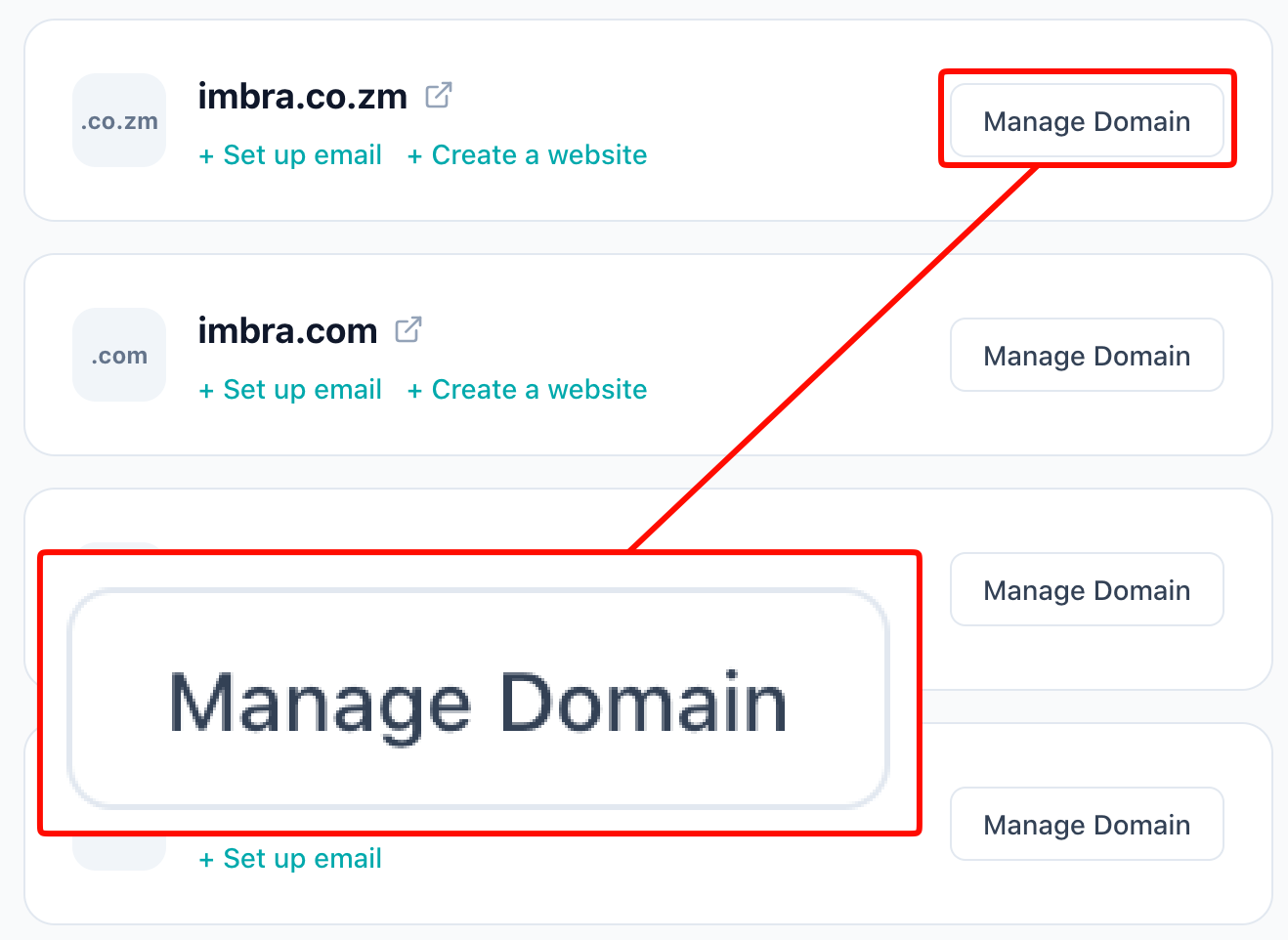
Each service card on the dashboard shows the service name, status, and a Manage button to access it.
Tip: The sidebar collapses on mobile. Tap the hamburger menu icon to expand it.