If you manage multiple customer accounts in iPanel, you can switch between them without logging out. This guide shows you how.
Steps
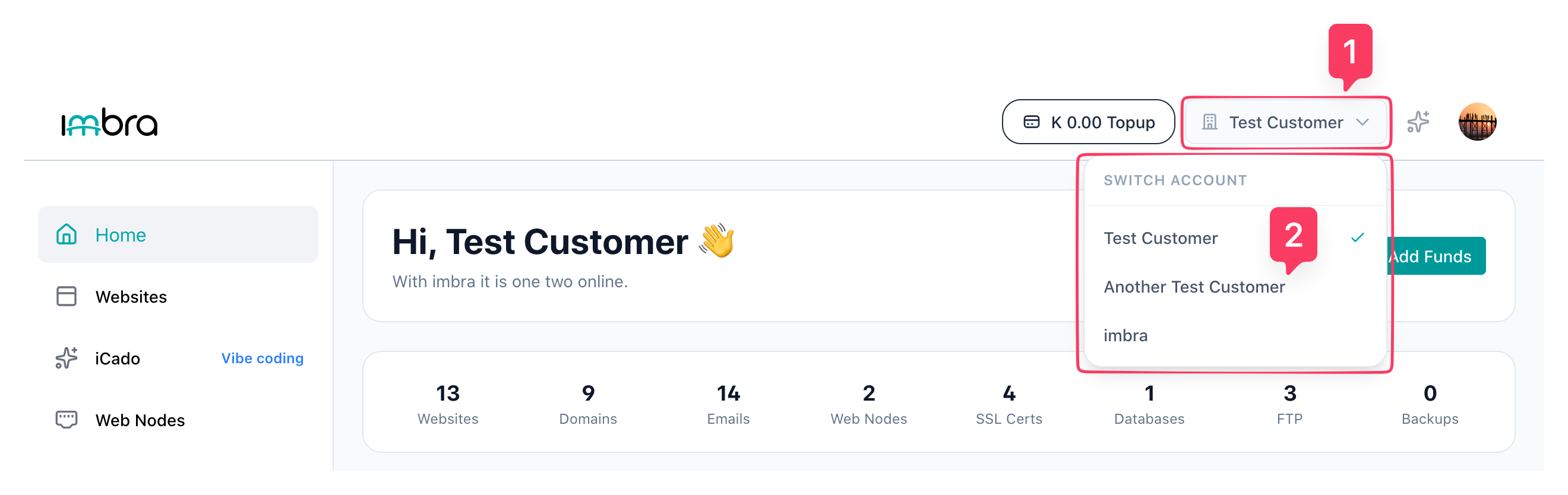
Click on current set customer name in the top-right corner of the navigation bar. In the drop-down menu, you will see a list of customer accounts associated with your login.
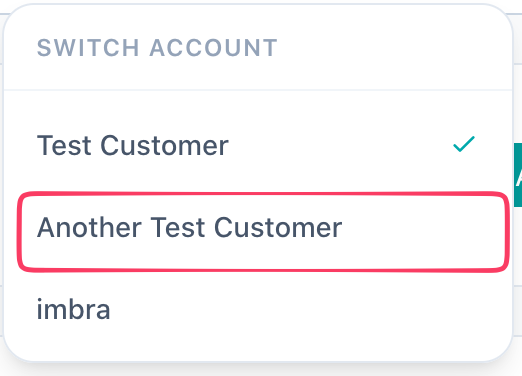
Click on the customer name you want to switch to.
The dashboard will reload with the selected customer's data, services, and balance.
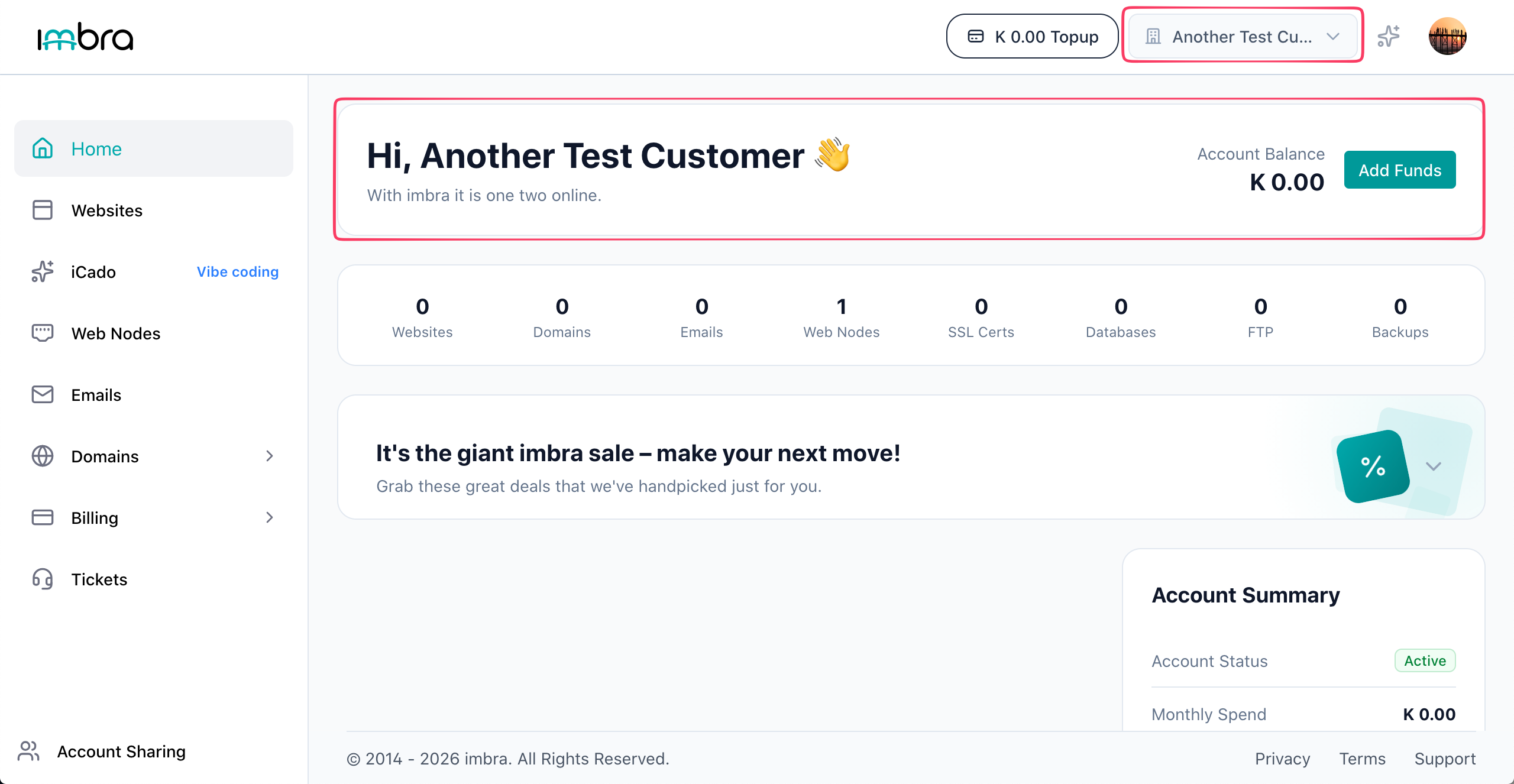
Tip: Your currently active customer account is shown in the navigation bar.