Remove a website you no longer need from your hosting account. This action is permanent and cannot be undone.
Steps
Navigate to websites list page by clicking Websites in sidebar.

Click the Delete icon button on the website you want to delete.

A confirmation dialog will appear. Confirm the deletion to permanently remove the website and all its files.
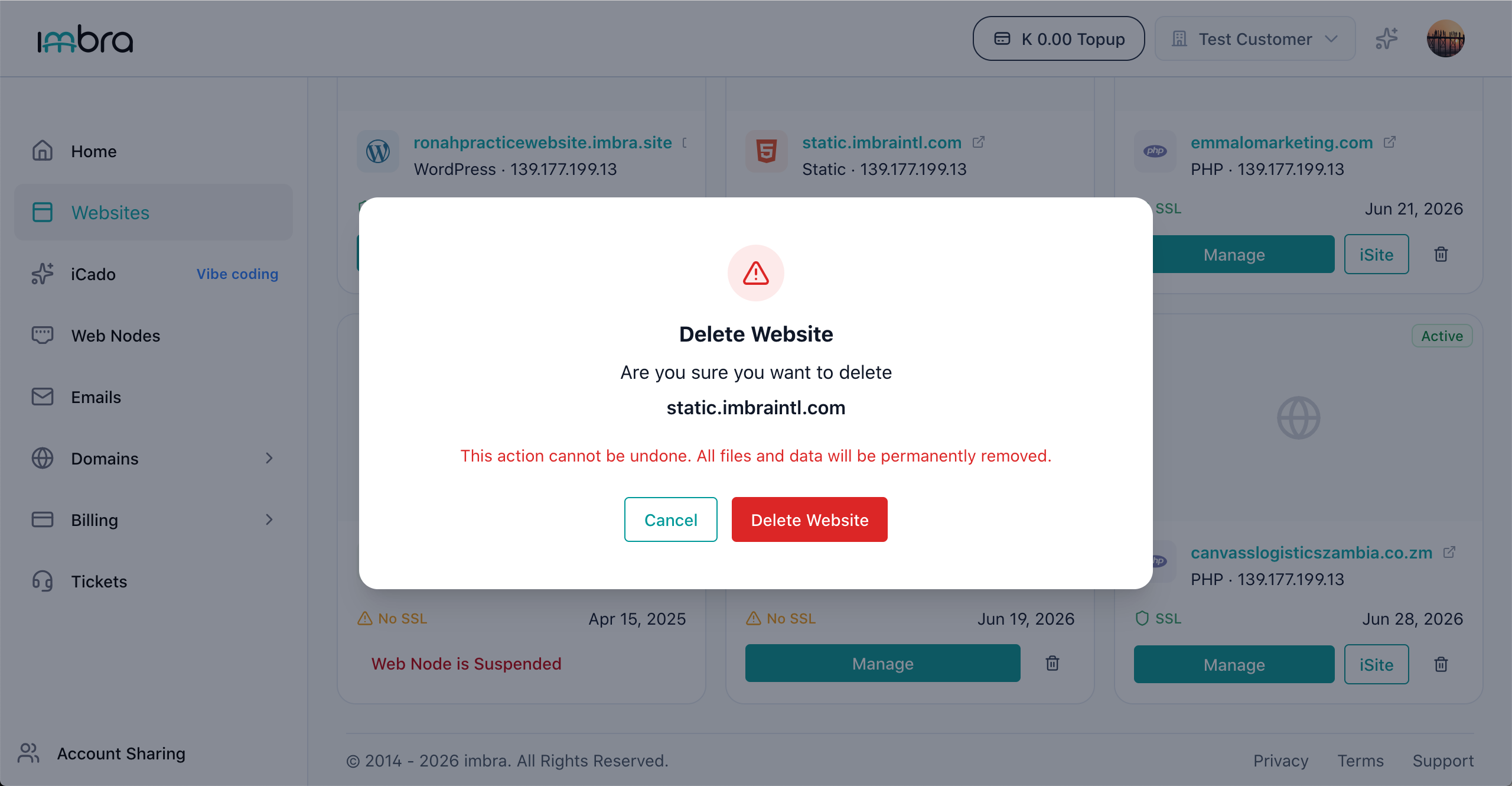
Tip: Always create a backup before deleting a website. Once deleted, all files, databases, and configurations associated with the site are permanently removed.