Customize PHP settings like memory limit, upload size, and execution time for your website. This guide shows you how.
Steps
Navigate to your website management page by clicking Websites in sidebar then click Manage on website you want to manage.
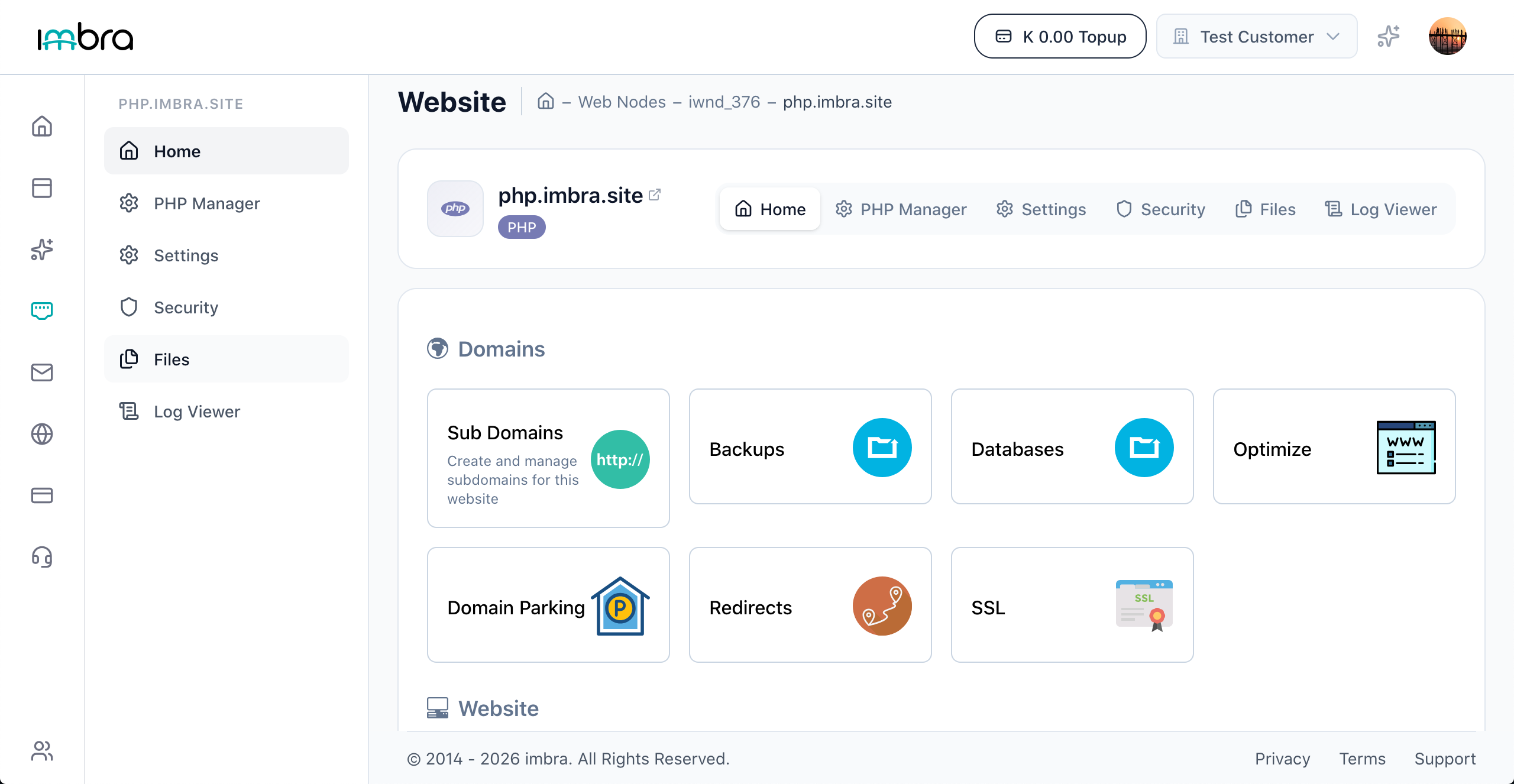
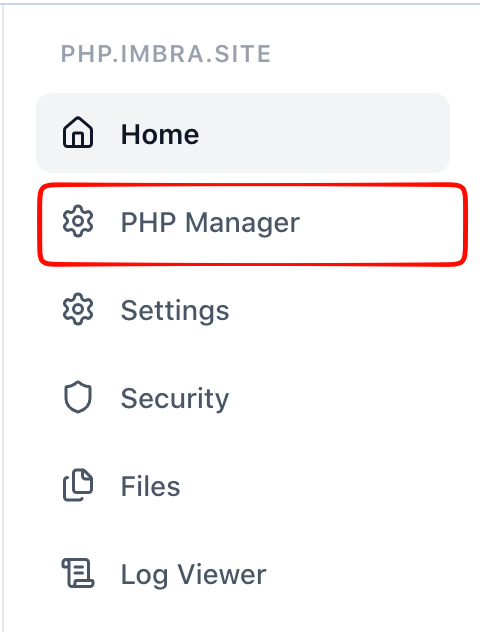
Click the PHP Manager tab.
The PHP configuration section shows editable PHP settings such as memory_limit, upload_max_filesize, post_max_size, and max_execution_time. Modify the values as needed.
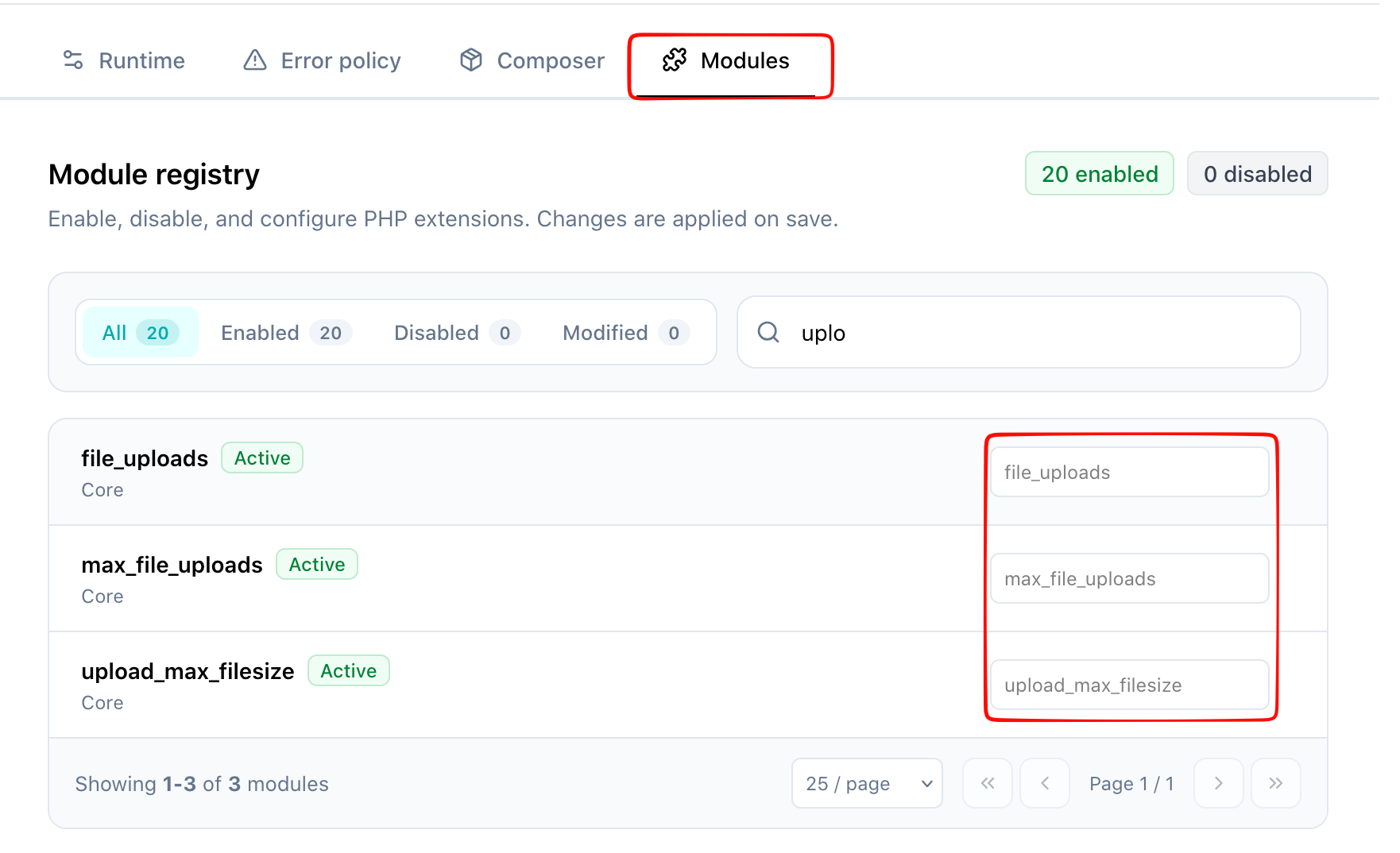
Click Save to apply your changes.

Tip: If you are uploading large files through your website, increase both upload_max_filesize and post_max_size.