Permanently remove an FTP account from your hosting.
Steps
Navigate to your website management page by clicking Websites in sidebar then click Manage on website you want to manage.
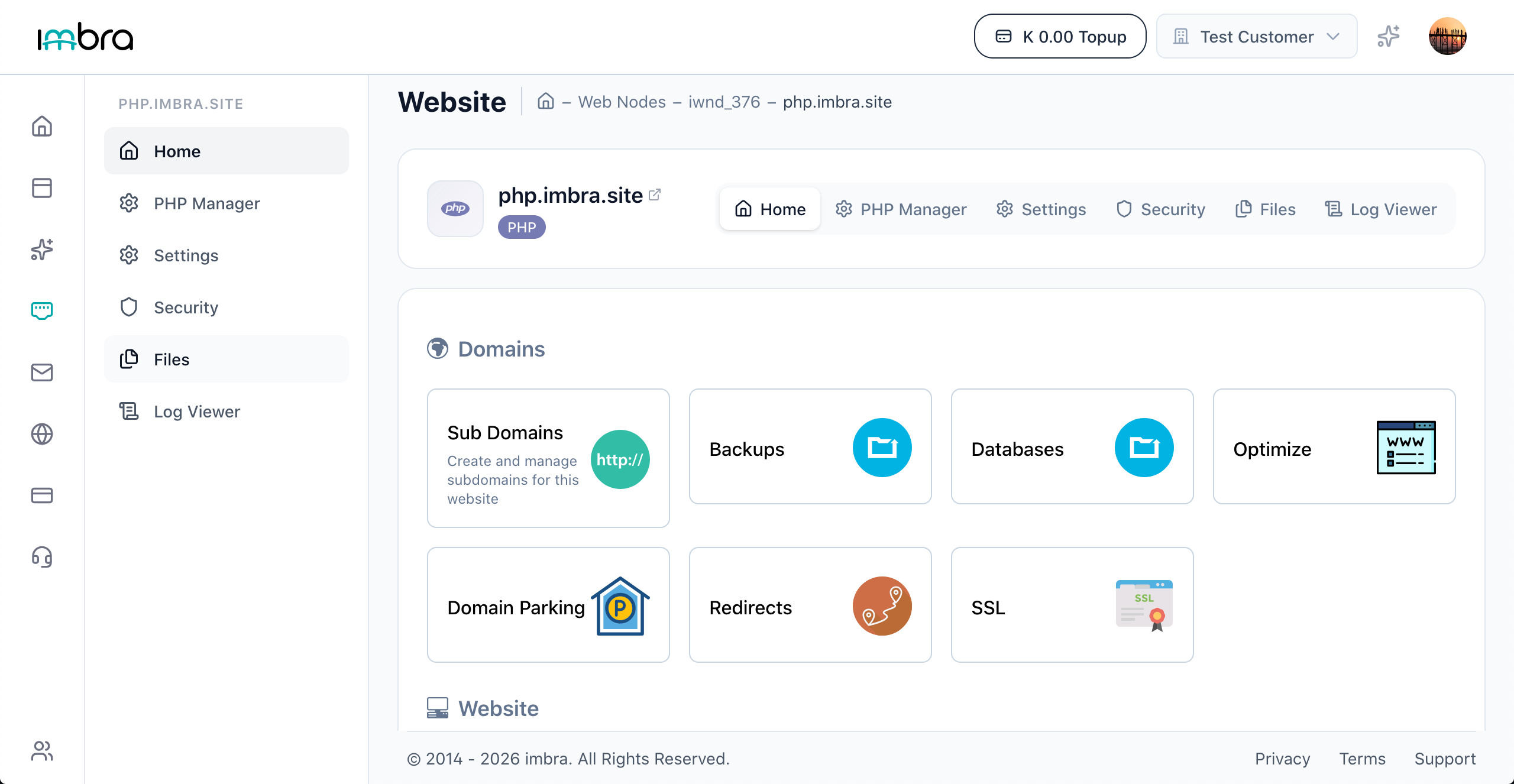
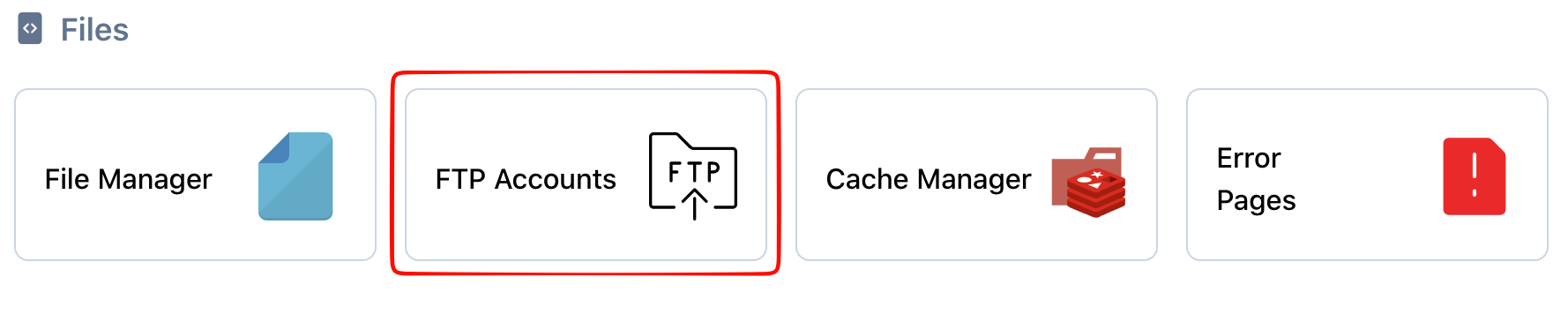
Click the FTP Accounts tab in the files section.
Find the FTP account you want to remove. Click the Delete button next to the account. Confirm the deletion when prompted.

Tip: Deleting an FTP account does not delete the files in the home directory. Only the access credentials are removed.