Restrict an FTP account to access only a specific directory on your hosting account.
Steps
Navigate to your website management page by clicking Websites in sidebar then click Manage on website you want to manage.
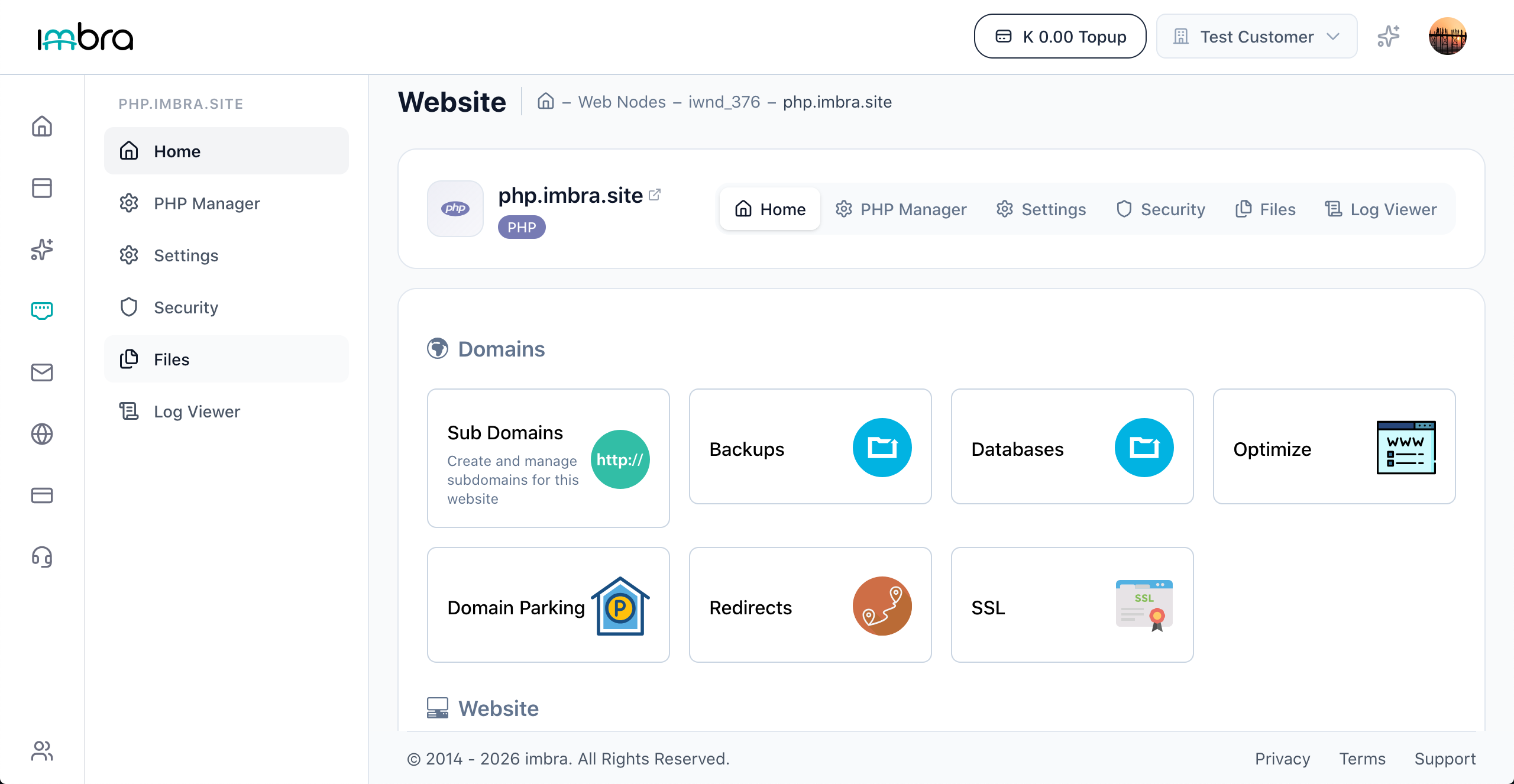
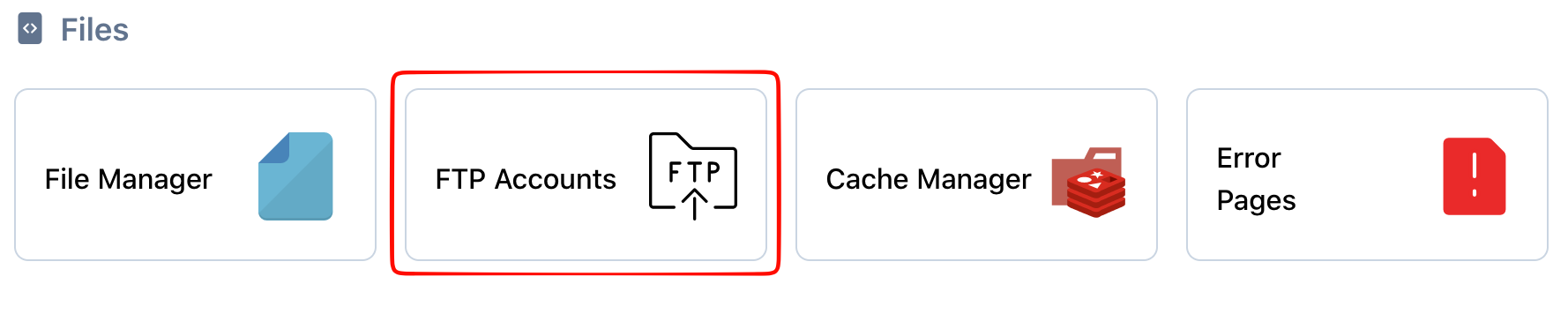
Click the FTP Accounts tab in the files section.
In the Home Directory field, enter the path to the directory you want to restrict access to (e.g., uploads).

Tip: Setting a home directory means the FTP user cannot navigate above that directory, providing an extra layer of security.